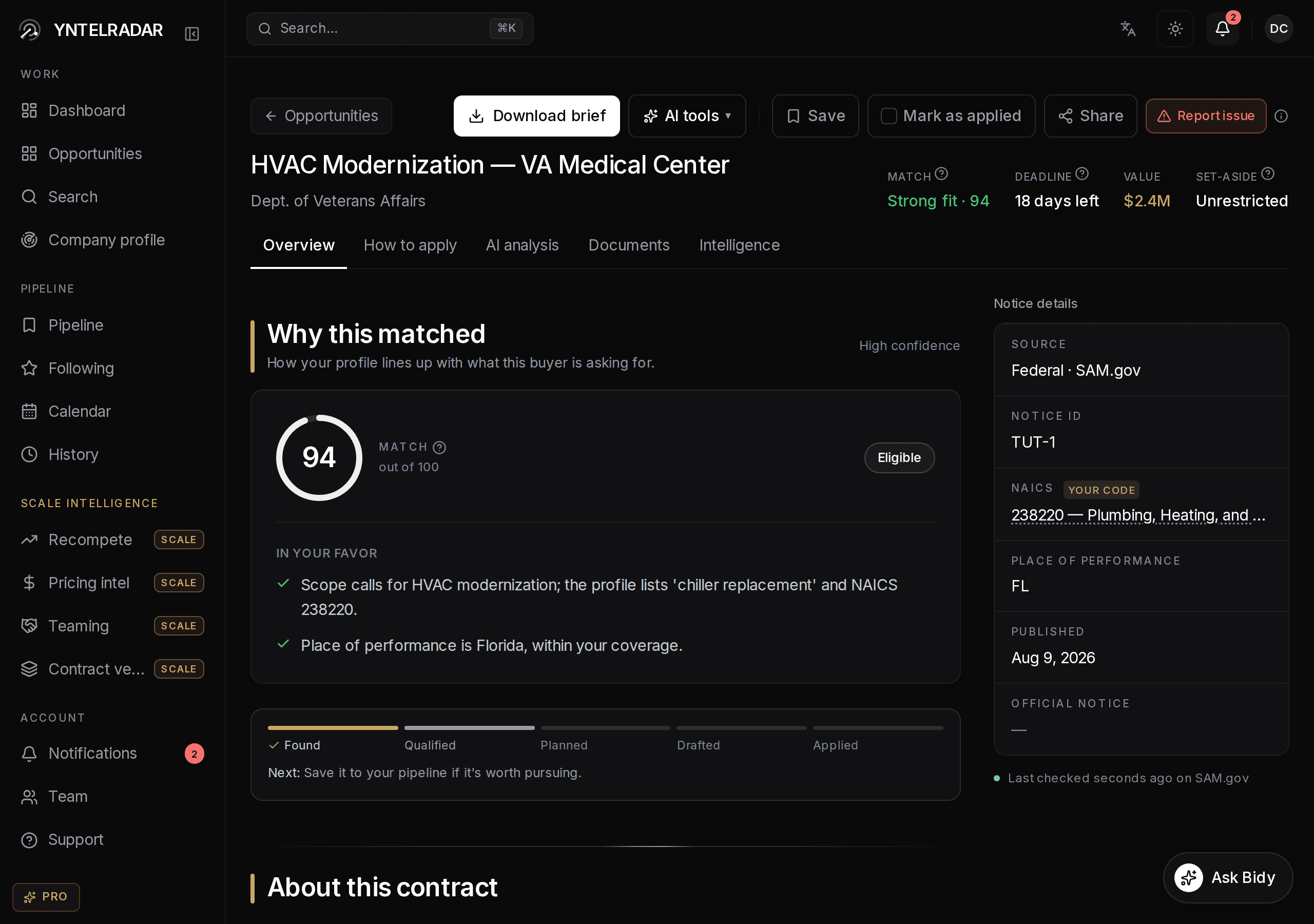
Open a contract and you get the full solicitation text where there is one, the buying agency, who to contact, the closing date, and the documents when the source publishes them.
Empty is labelled, never faked
Sometimes a buyer publishes a title and nothing else. When that happens the page says the scope has not been published yet. We would rather show you an honest gap than paraphrase a title into a paragraph that sounds like scope and is not.
What you can do from here
- Save it, which puts it in your pipeline and starts the win plan for it.
- Mark it applied or dismissed, which clears it from the feed.
- Ask the AI to read it and pull out what actually matters.
- Add its deadline to your calendar.